



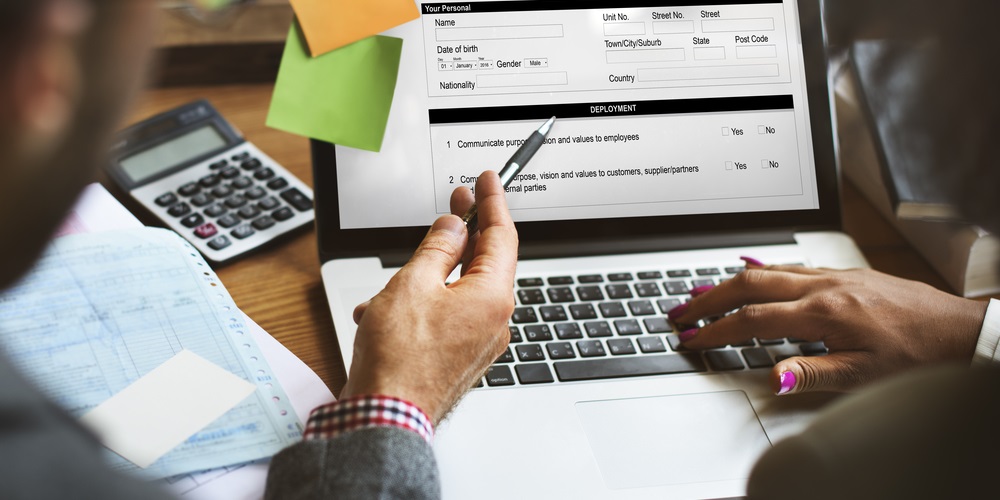
إذا كنت مسافرًا من أو إلى الإمارات العربية المتحدة، فهناك خطوة واحدة يجب أن تأخذها في الاعتبار. يجب على أي شخص يحمل نقودًا، أو مجوهرات، أو شيكات، أو أحجارًا كريمة تزيد قيمتها عن 60,000 درهم إماراتي أن يصرّح عنها من خلال منصة “أفصح” الإلكترونية الرسمية. ينطبق هذا على جميع المسافرين الذين تبلغ أعمارهم 18 عامًا فأكثر.
الخدمة مجانية ومُتاحة حاليًا للمسافرين عبر مطارات أبوظبي، الشارقة، أو رأس الخيمة الدولية.

يمكنك إكمال التصريح على موقع أفصح الإلكتروني أو عبر تطبيق أفصح على الهاتف المحمول، والمتاح على أجهزة Apple وAndroid. إليك كيفية القيام بذلك في 3 خطوات.
الخطوة 1: أنشئ حسابًا وسجّل الدخول
اذهب إلى declare.customs.ae وسجّل الدخول باستخدام حساب UAE Pass الخاص بك. بمجرد تسجيل الدخول، سيتم تعبئة معلوماتك الشخصية مثل رقم الهوية الإماراتية وتفاصيل التأشيرة تلقائيًا. إذا كنت تقيم في الإمارات، فستحتاج إلى إدخال عنوانك الكامل ورقم هاتفك المحمول.

إذا كنت زائرًا، قدّم المعلومات التالية:
- الدولة والمدينة
- العنوان الكامل
- رقم الهاتف
الخطوة 2: أكمل التصريح الجمركي الخاص بك
بعد تسجيل الدخول، انتقل إلى لوحة التحكم الخاصة بك واضغط على “طلب تصريح جديد”. بعد ذلك، أدخل المعلومات التالية:
- نوع السفر (وصول أو مغادرة) وتاريخه
- الإمارة ونوع المنفذ (جوي، بحري، بري)
- جهة الوصول أو المغادرة
- شركة الطيران ورقم التذكرة
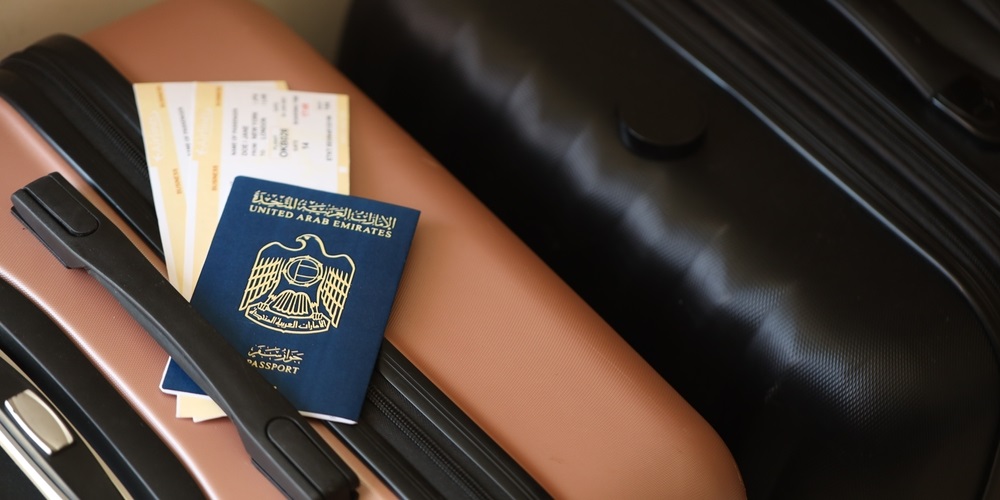
بعد ذلك، قم بتسجيل العناصر الخاصة بك:
- اختر من بين العملات، الأغراض الشخصية، المجوهرات، أو الأحجار الكريمة
- إذا كنت تصرّح عن نقود، حدّد العملة والمبلغ
- احفظ النموذج وقدّمه
الخطوة 3: انتظر الموافقة
بعد الإرسال، ستقوم الهيئة الاتحادية للهوية والجنسية والجمارك وأمن المنافذ (ICP) بمراجعة طلبك. بمجرد الموافقة، ستتلقى رسالة نصية وإشعارًا على لوحة تحكم منصة أفصح.
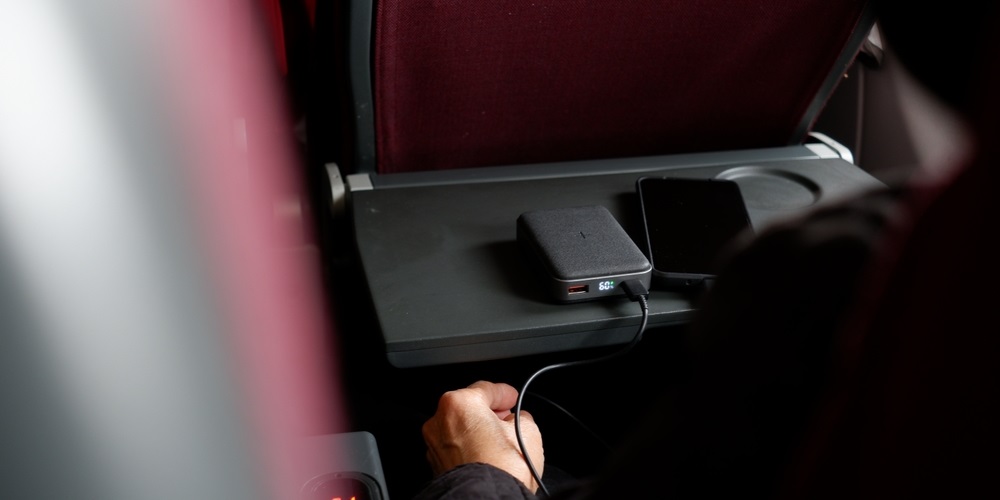
إذا كنت تسافر كثيرًا، لاحظ أن طيران الإمارات سوف تحظر استخدام الباور بانك أثناء الرحلات بدءًا من 1 أكتوبر 2025. إنها قاعدة جديدة يجب أن تكون على علم بها أثناء التحضير لرحلتك.