






If handing your phone to a child usually ends in random taps, pop ups or accidental purchases, Netflix Playground is built to avoid all of that. The streaming giant has introduced a separate app for children aged 8 and under, combining simple games and familiar TV characters in one place.
Curious about the new release and what it offers? Here’s everything you need to know.
What Netflix Playground App Is
Netflix Playground is a free add on for anyone who already has a Netflix subscription. It is available on smartphones and tablets.
You can download the app on Apple devices or Android devices.
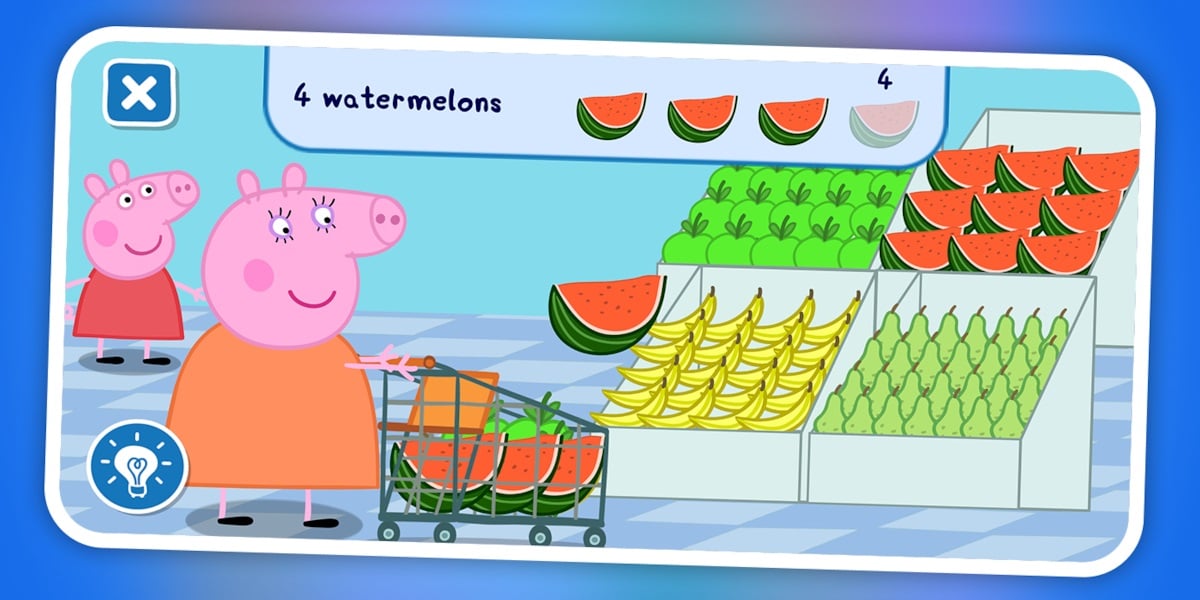
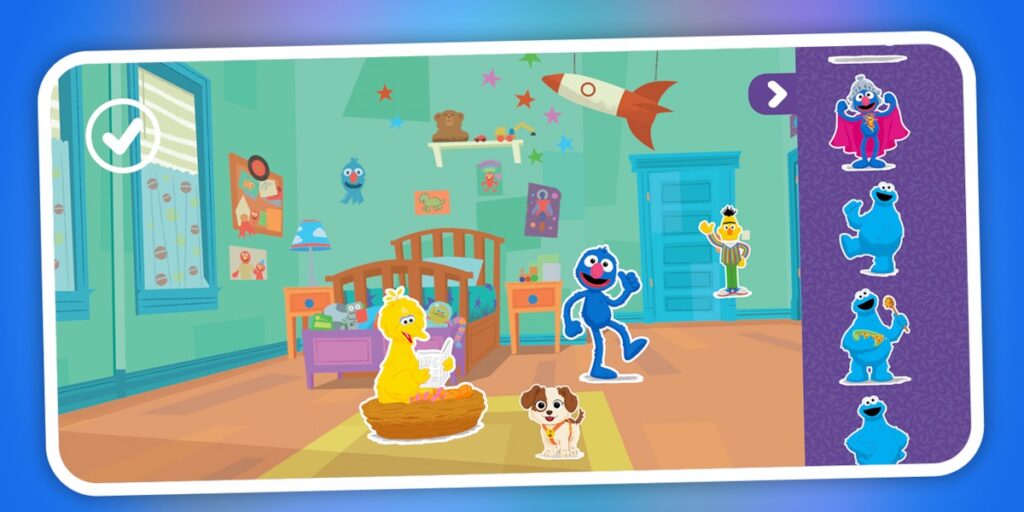
Once logged in, children can access a library of games based on well known characters like Peppa Pig, Elmo, Cookie Monster, Big Bird and the Lorax. Everything is easy to start and simple to understand, without needing help every few minutes.
Where Netflix Playground Is Available
Netflix Playground is already live in the United States, Canada, the United Kingdom, Australia, the Philippines and New Zealand.
A global rollout is confirmed for April 28, which means countries across the GCC are expected to get the app at the same time. If you already have a Netflix subscription, access should be included once the app becomes available in your region.
What Kids Can Play Inside the App
- Playtime With Peppa Pig where kids can care for guinea pigs, drive a bus and make smoothies
- Sesame Street games: Memory cards and connect the dots with Elmo and friends
- Dr. Seuss titles: Games inspired by Horton, The Sneetches and Red Fish Blue Fish
- Bad Dinosaurs: Mini racing games with tiny T Rexes and a playful soundboard
- Colouring app featuring familiar characters
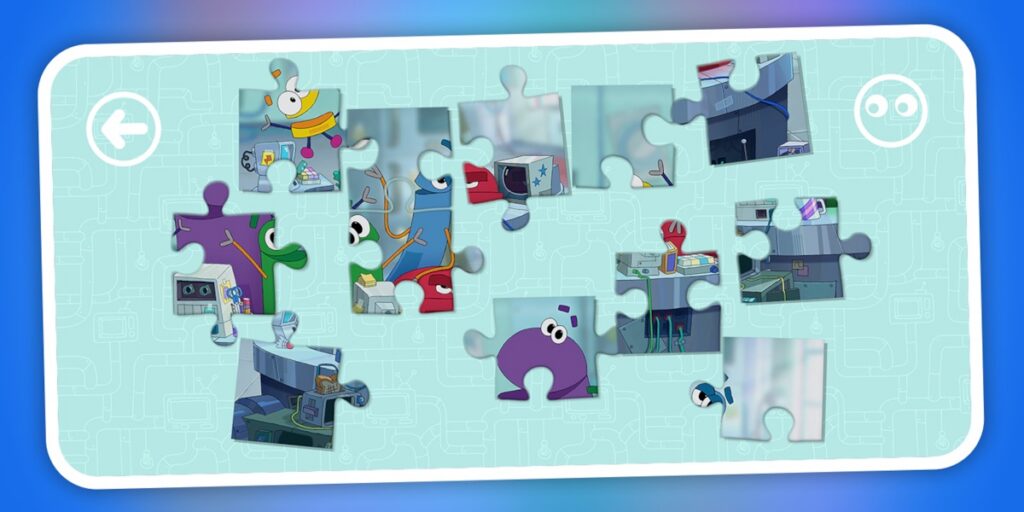
- Storybots activities with sticker books and simple puzzles
All games work offline, which makes the app useful during travel or when there is no internet access.
How Parental Controls Work
Of course, safety concerns remain when handing a device to a child.
In the UAE, for example, Child Digital Safety Law aims to protect children’s privacy and limit exposure to harmful online content, setting clear rules for platforms used by younger audiences. Netflix Playground fits within that framework. The app offers a child-friendly environment with no ads, no in app purchases, and no open access to the internet.
Parents can still manage how the app is used through existing Netflix controls:
- Checking viewing history
- Setting up kids profiles
- Adjusting age limits
- Blocking specific titles
- Adding PIN protection to adult profiles
At the same time, not every moment needs to involve a screen. If you are looking for alternatives, you can check out these 27 best board and card games for a screen free family game night or explore creative things to do at home: 15 fun activities to try with kids, family, or even solo.
Netflix Playground can be useful in specific situations. Since the app works offline, it comes in handy during long drives or flights when internet access is limited and you need something reliable to keep kids occupied for a while.